Multimedia
authoring involves assembling, arranging and presenting information in
the structure of a digital multimedia, which can include text, audio, as
well as moving images. This process requires a tool known as author
ware, a program that helps in writing hypertext or multimedia
applications.
Multimedia authoring has tranformed writing and has brought literacy
into a new age of exciting possibilities.
Examples of such applications include:
Writing a group story, in other words taking turns developing a
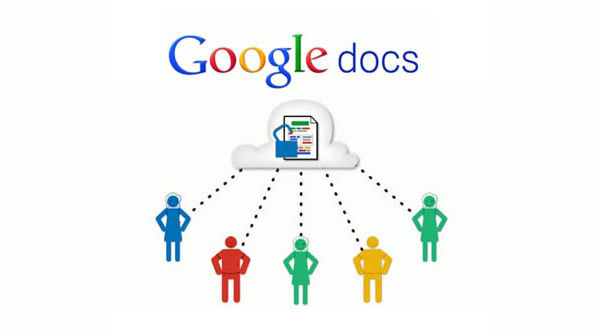
story, is another creative task you could try. You can begin a story in Google
docs and see how it unfolds with a little help from your friends! It’s
great fun and you’ll really want to find out what happens next!
To begin with, you need to
have a Google account. You can easily create one on Google start page. Then go
to http://docs.google.com
(or Google Drive if you’re already logged in). You sign in by giving your gmail
username and password.
Click on New on the Menu
bar and select which type of file you would like to create (the Document
option). Google Docs will open a new window that will allow you to create a
word processed document. In order to save your document you just need to click
on the Save button. If you would like to rename your file you
can go to File on the Menu bar and choose Rename.
Just like in Microsoft Word you can copy, paste, bold, underline, italicize,
and many other editing options.
Select the document you
would like to share with another person by clicking the checkbox in front of
the document. Then click on the More Actions button on the
Menu bar and select Share. You have the option to invite
others to be Collaborators or Viewers.
Collaborators are able to view as well as edit any documents that you share
using this option. Viewers are only able to view the document. They are not
able to make any changes to the document. After selecting the Collaborator or
Viewer option you will need to type in the email addresses of the people with
whom you would like to share the document. Separate addresses with a comma.
Then click on the Invite Collaborators/Viewers button.
Anyone that receives the
invitation can then click on the link within the message to begin viewing
and/or editing the document. They will need to log in with their Google Account
in order to edit if they are a collaborator.
If you would like to see who made what additions or changes to the document you need to click on the Revisions tab. You should now see all of the revisions that have occurred to that document. You can also see who has collaborated on the document.
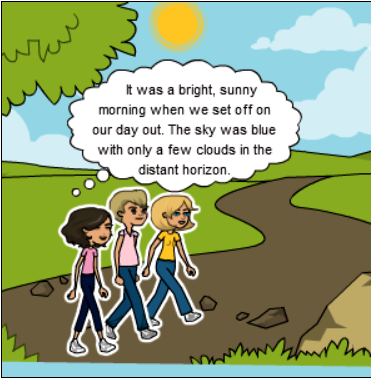
An introductory paragraph, in which you introduce the characters and set the scene.
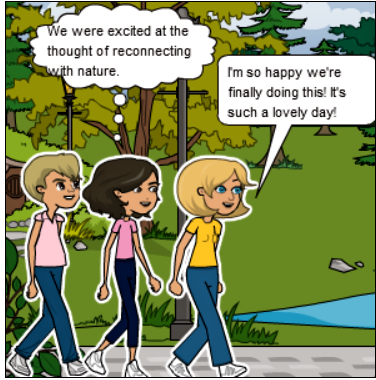
The main body of the story (2 or more paragraphs), in which the main events are described, leading to a possible climax.
The final paragraph (the ending), where you can refer to consequences, people’s feelings etc.
Here are some tips to keep in mind during the story
writing process:
Stories can be written in the first or third person and can be about real or imaginary events.
We normally use past tense in stories.
Stories describe a sequence of events. The use of linking words such as: First, Then/Next, After/Before, During/Meanwhile, No sooner…than, Finally etc will give your story coherence.
Using a variety of adjectives (terrified, thrilling etc) and adverbs (fearlessly, cautiously etc) will make your story more interesting to read.
You can use descriptions of people, places or objects to create atmosphere and emphasize specific parts of the narration.